SPF, DKIM and DMARCmonitoring with clear fixes
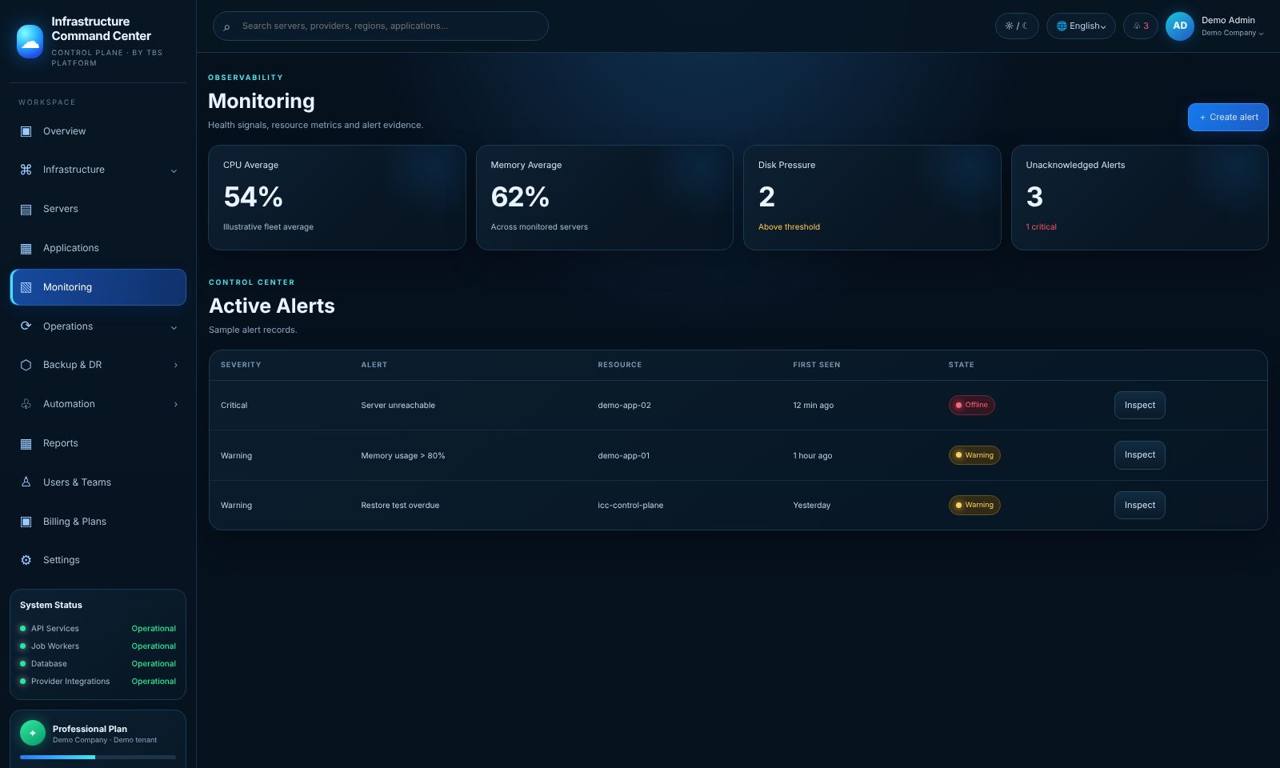
Stop others sending fake emails in your company's name — and know when someone changes your DNS. TBS Infrastructure checks your domain's email protection every day, alerts you when name servers or mail servers change, and checks your servers on spam blacklists.
Your domain is your identity
SPF, DKIM and DMARC are three DNS records that tell other mail servers which emails really come from your company. When they are missing or weak, criminals can send invoices and payment requests that look like they came from you — and your real emails are more likely to land in spam.
These records also change over time: a new email service is added, a DNS provider is moved, a record is edited by mistake. TBS Infrastructure checks them every day, grades them, and tells you in plain words what to fix first.
SPF check
Is there exactly one SPF record, does it end safely, and does it stay within the lookup limit?
DMARC check
Is DMARC set, is it only monitoring (p=none) or really protecting (quarantine / reject), and are reports sent?
DKIM keys
Checks the DKIM keys for the selectors your mail service uses (up to five per domain).
DNS change alerts
An alert when name servers (NS) or mail servers (MX) change — a common sign of a mistake or a takeover.
Blacklist checks
Daily check of your servers' public addresses on free spam blocklists, with what to do if one is listed.
Open-port check
Once a day: ports attackers love — databases, Remote Desktop, file sharing — tried from the internet on your own servers.
Honest limits: TBS Infrastructure checks and explains your records — it does not change your DNS for you. Blacklist checks use free public lists.
Built to avoid false alarms
Questions
What are SPF, DKIM and DMARC?
Three DNS records that tell other mail servers which emails really come from your domain. Together they make it much harder to send fake emails in your name.
How often is my domain checked?
Once a day, and you can run a check now when you have changed something.
Does TBS Infrastructure change my DNS records?
No. It checks and explains them; you or your DNS provider make the change.
Which DKIM selectors are checked?
The ones you add for your mail service — up to five per domain. The free check tries common selectors such as selector1, selector2 and google.
Can I test my domain for free?
Yes. The free domain health check runs SPF, DKIM, DMARC and blacklist checks with no login.
Related
Protect your domain's good name
Try the live demo now — real screens with a sample company, nothing to install — or see it on your own servers in a short call.